

Direction cards at 5, block coding at 8, Python at 12. A realistic coding road map by age, and the mistakes parents often make.
The question parents ask most is: “Is my child too young to start coding?” Coding is really the skill of breaking a problem into small steps and putting those steps in the right order. That skill can be learned without touching a screen, so the right question is not “at what age” but “with what tools”.
Ages 5-6: Screen-free coding
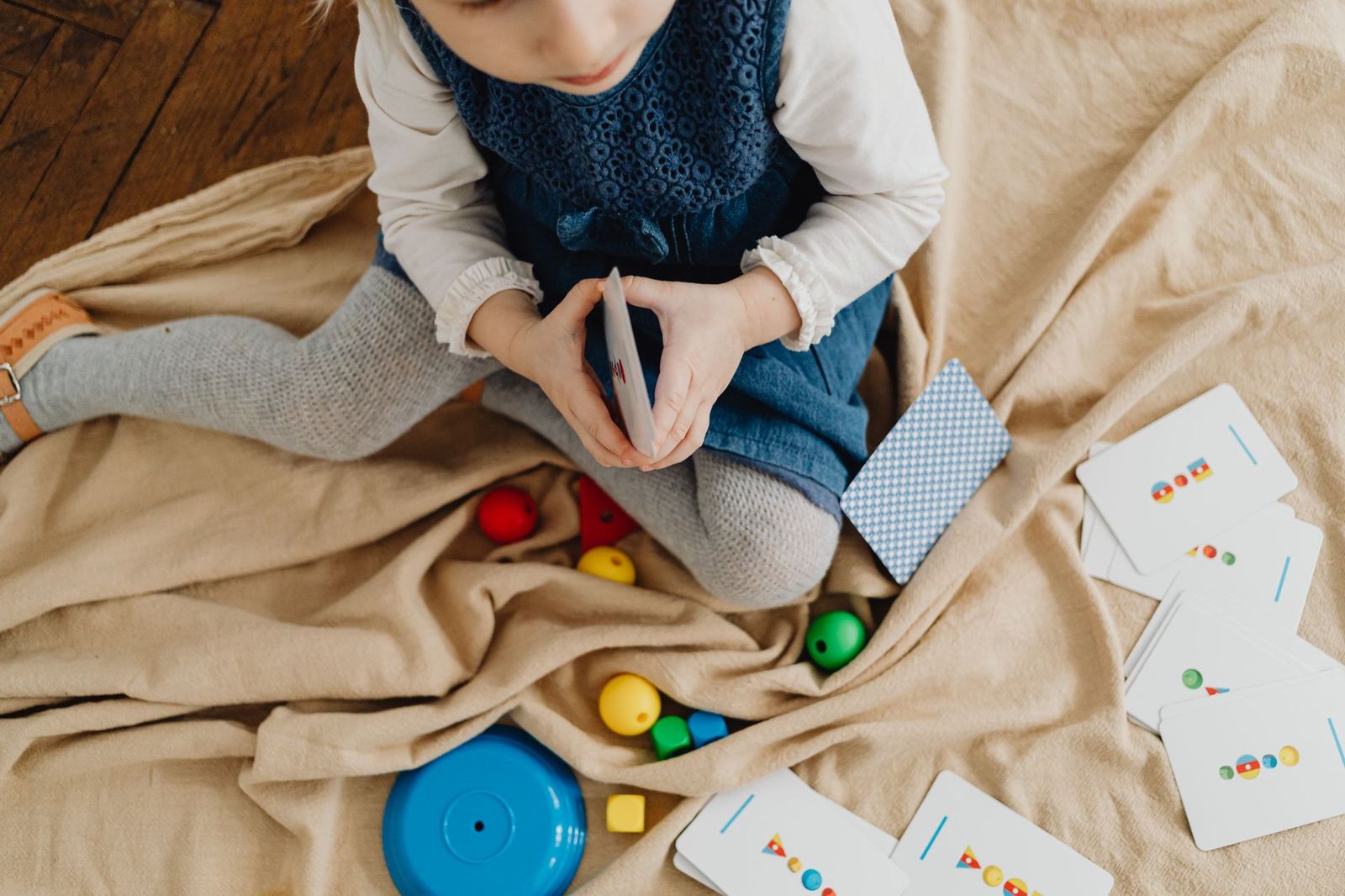
Pre-school children learn through concrete objects. Giving commands to a floor robot with direction cards, or guiding a friend through a maze on the floor by saying “forward, forward, turn right”, naturally teaches sequencing and debugging. At this age the healthiest approach is to limit time on tablets or computers and teach coding through play, movement and conversation. Being able to notice that a sequence has gone wrong and say “let’s take the robot back and change one step” is the most valuable outcome of this stage.
Ages 7-8: Block-based coding
Once reading and writing are in place, picture-based block environments such as ScratchJr are ideal. Children drag and drop blocks to move characters and tell stories. Motorised construction sets also come in at this age, because seeing code come alive in a robot on the table rather than on a screen keeps children interested for much longer.
Ages 9-11: Scratch, robotics and physical computing
This age group can now grasp abstract ideas such as variables, conditions and loops. Game design in Scratch, robots with sensors and physical computing with boards such as the micro:bit complement one another. It is important to watch where the child’s interest lies at this stage: some love designing games, others love building things.
Age 12 and over: Text-based coding
By middle school, students are ready for text-based coding such as Python or the C-based language of Arduino. Because they type comfortably and can read and interpret error messages, progress speeds up. At this stage coding turns into real projects through fields such as 3D design, electronics and an introduction to AI.
Common mistakes parents make
- Starting a text-based language too early: syntax errors quickly drain a young child’s motivation.
- Only following ready-made kits: building the model in the instruction booklet is not coding; children need to create their own designs.
- Focusing on results: mistakes are the most instructive moments in coding.
If you are wondering which programme suits your child, try the Course Finder quiz on our website or join one of our free trial workshops.
How to support it at home
Coding is not only learned in class. Following a recipe together, writing down the rules of a game, designing a machine with building bricks or planning a journey step by step are everyday forms of algorithmic thinking. Asking your child “how did you do that, and how else could you have done it?” helps far more than any ready-made app.